Hello,
I cant run a simple application in my Raspberry pico2:
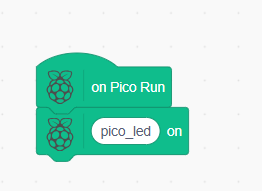
I have upload my program
Where is the execute command?
For your information my pico2 works with Tommy app.
Where can I found documentation, our quick start guide in microPython (nothing in example)?
Thank you.
Loïc
I think this is Pico MicroPython extension. There is no execute command, you have to go into the upload mode and there you can see the code. From there you can upload that generated code directly to the connected board via web serial.
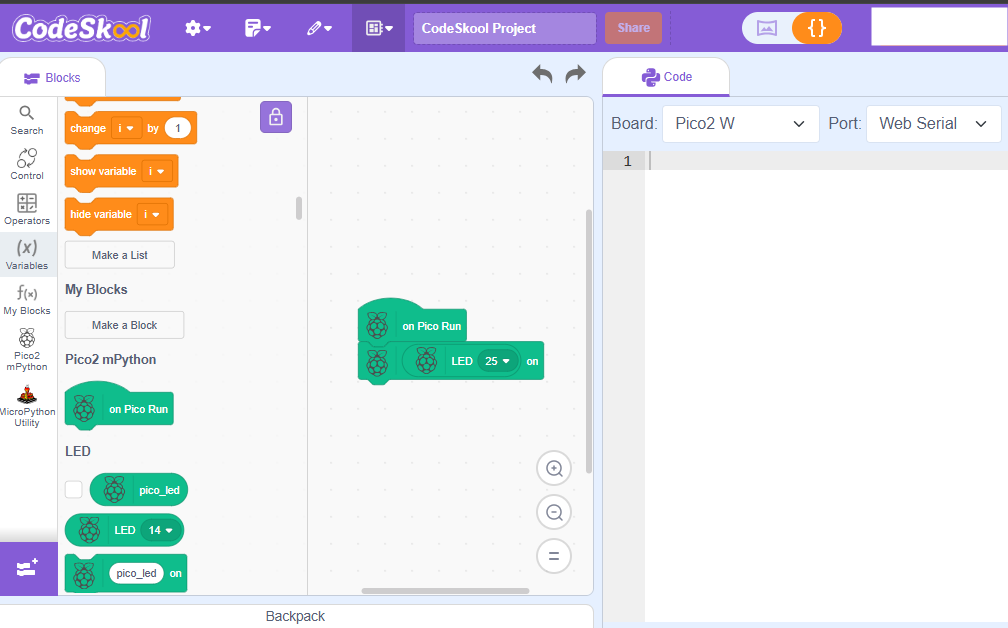
When I place blocks on the right side, nothing appear on the “code” section (left side), is it normal?
But, if I Write the the code directly in the right area it works well
Thanks for you support.
This should be fixed now, can you do a hard refresh CTRL + SHIFT + R, restart the browser and try again
Hello,
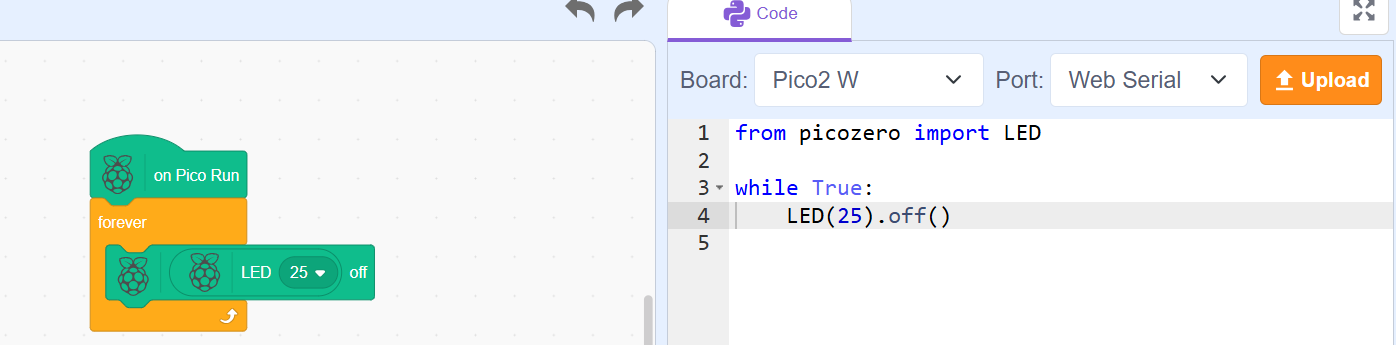
It’s better, but I select Rasberry pico, and the lib is picozero??
So i think my pico2 doesn’t understand this lib?
Coud I select “machine” like below?
import machine
led_onboard = machine.Pin(25, machine.Pin.OUT)
led_onboard.value(1)
You have to copy the Pico zero library with the MicroPython framework.
Pico Zero Is a helper library written on top of Micro python itself for making the programming easier for kids. We also support Micro python but that is for ESP32 but the generated code should be same for micro python. You can try and check.